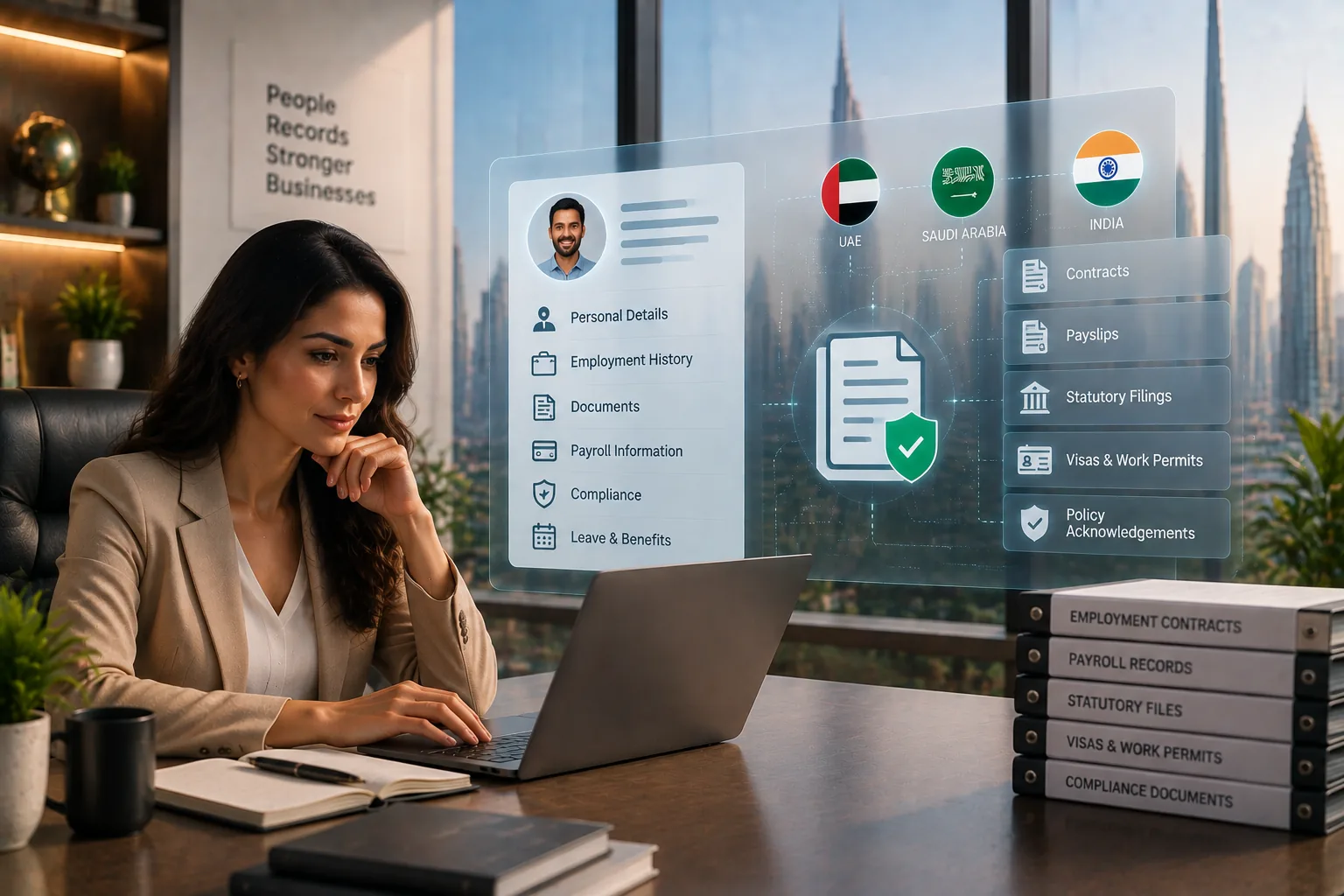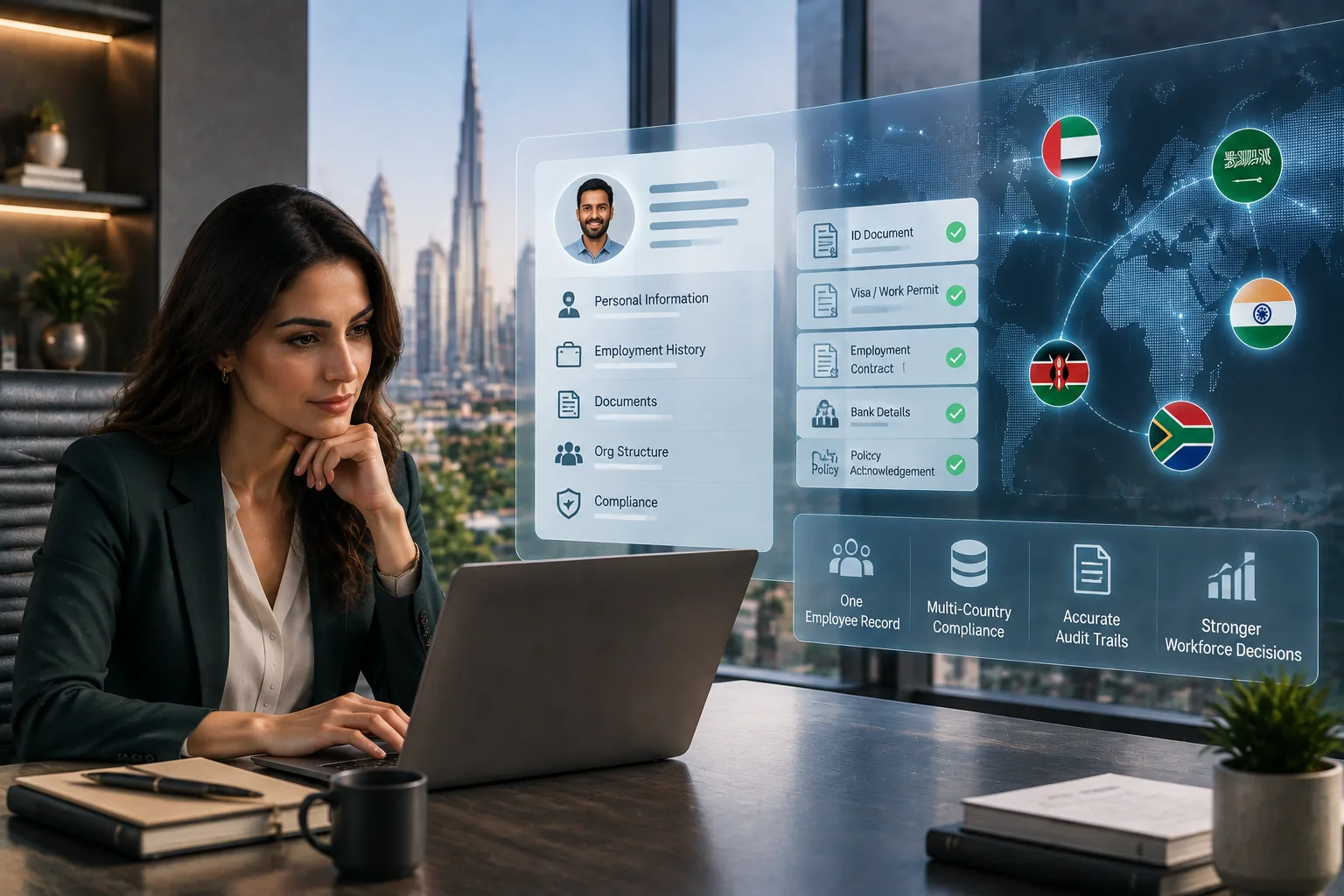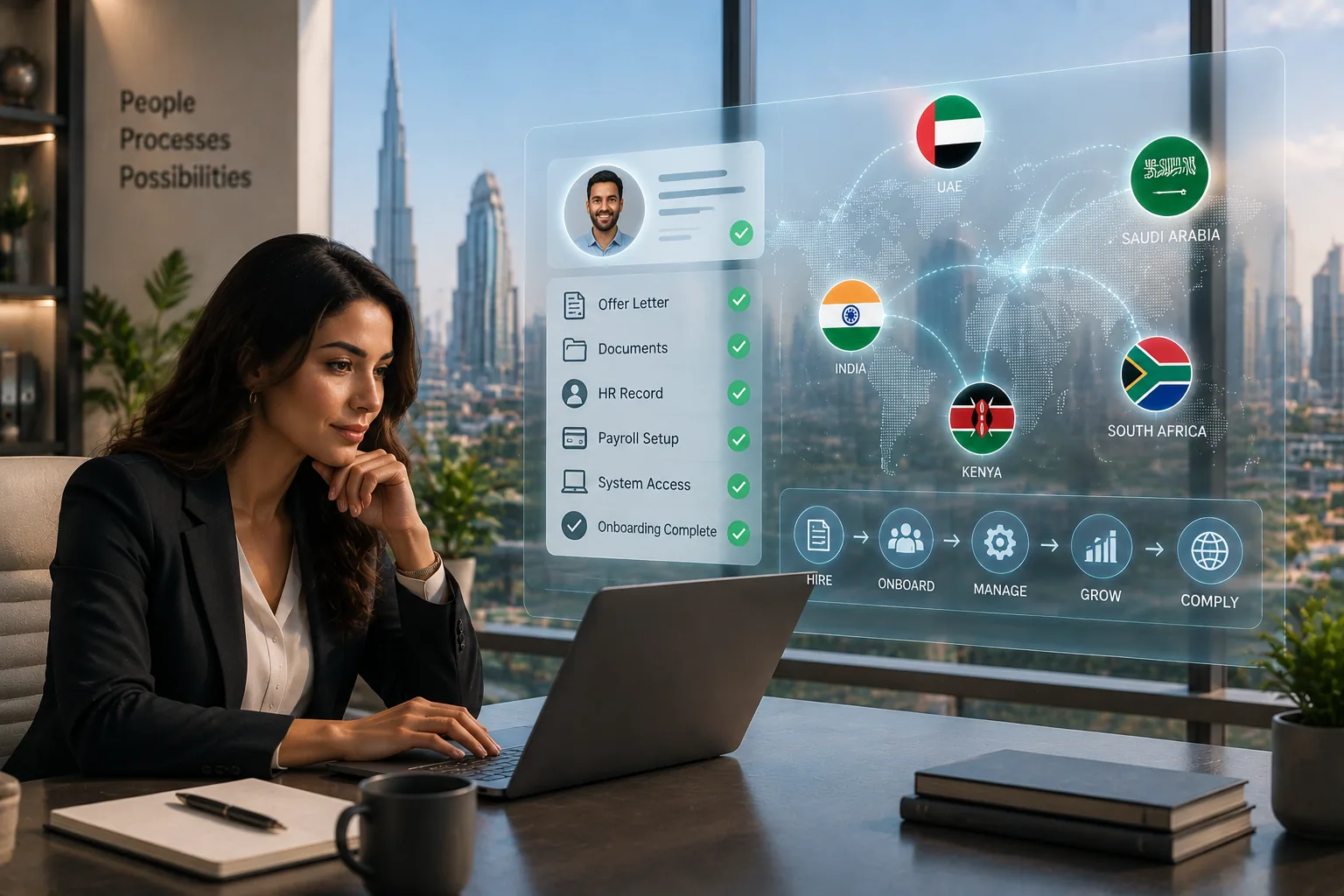

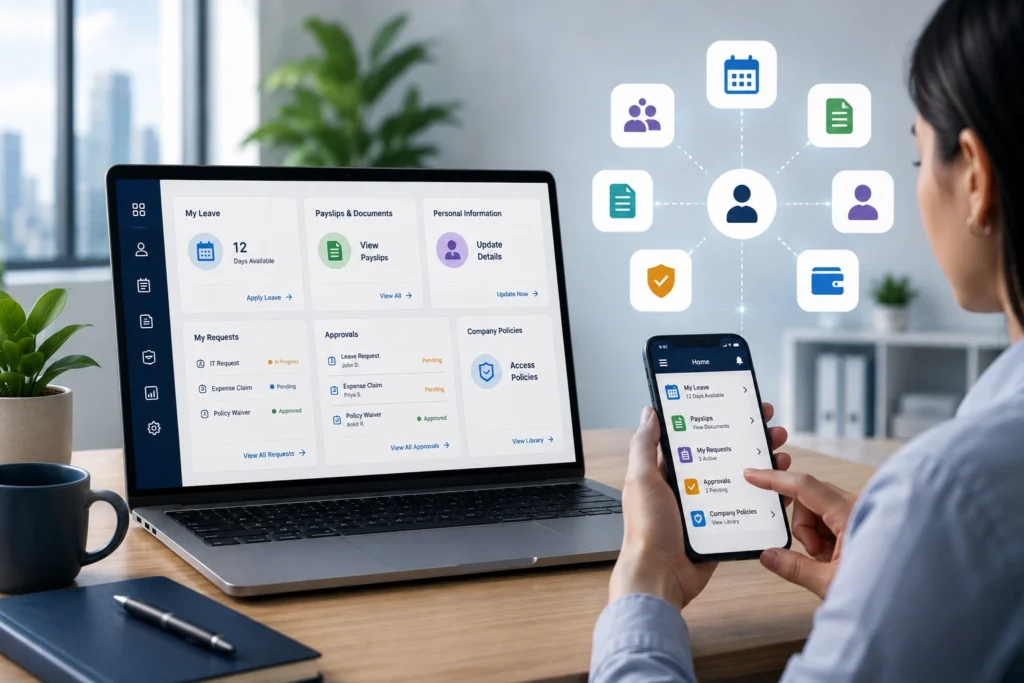
Employee self service portals exist to solve one of the most persistent problems in HR: the amount of time HR teams spend answering the same routine questions every single day. Leave balances. Payslip copies. Policy queries. Personal data updates. None of this requires HR expertise – but without a portal, all of it lands in the HR inbox. This guide gives you the ROI case, the feature list, a step-by-step setup guide, and the adoption strategy that determines whether employees actually use it.
TL;DR – KEY TAKEAWAYS
|
What Is Employee Self Service?
Employee self service (ESS) is the capability within an HRMS or HR platform that gives employees direct access to their own HR data and HR processes – without routing every request through the HR team. When employee self service is working correctly, HR stops being a relay station and becomes a strategic function. HROPAL’s ESS employee self-service portal covers the full employee lifecycle from onboarding to exit in one platform.
What ESS replaces: before a portal, leave applications arrive by WhatsApp message, personal data changes come by email, payslips are emailed on request, and policy documents live in a folder no one can find. After ESS, employees do all of this themselves – and HR has a complete, auditable record of every transaction without any manual data entry.
For a broader view of where ESS sits in modern HR strategy, HROPAL’s analysis of the rise of self-service HR platforms traces how this shift changes the HR function’s role from administrator to strategic partner.
The Business Case: What an ESS Portal Actually Saves
The ROI of employee self service software is built on three pillars: HR time reclaimed, error reduction, and employee experience improvement.
📌 Research: A 2025 Total Economic Impact study by Forrester Consulting found that organisations using employee self-service see a 90% reduction in HR and finance admin time and reclaim 2,184 hours per year – time redirected to workforce planning, engagement, and capability development. Source: Forrester Consulting (2025).
| HR task | Without ESS | With ESS portal |
|---|---|---|
| Leave request | Employee WhatsApps manager, HR manually enters balance | Employee submits in-app, manager approves in one tap, balance updates automatically |
| Payslip access | HR emails monthly or prints on request | Employee downloads any month’s payslip, 24/7, from any device |
| Personal data update | Employee emails HR, HR updates the HRMS | Employee updates directly; HR receives notification and validates |
| Policy query | Email or call to HR; HR searches and forwards document | Employee searches the document library and finds it instantly |
| Expense claim | Paper form + receipts submitted to HR or finance | Digital submission with receipt photo; routed for approval automatically |
| New joiner documents | Email chains, paper forms, chasing signatures | Digital onboarding workflow with completion tracking |
For a 200-person company where HR spends 15-20 hours per week on routine queries: at a fully-loaded cost of $35/hour, that is $27,000-$36,000 per year in HR capacity being spent on information retrieval. An ESS portal converts most of that capacity back to strategic work within the first quarter.
What Employees Can Do Through a Self-Service HR Portal
A well-designed self service hr portal covers the full breadth of routine HR interactions. Grouped by category:
- Leave and attendance: apply for leave, check balance by type, view team calendar, review attendance records, and see approved/pending requests – without messaging HR or a manager outside the system.
- Payroll and documents: download payslips for any pay period, view and update bank account details, access tax documents (Form 16, IR8A, IRP5), and retrieve employment letters.
- Personal data: update home address, emergency contacts, bank details, and family information. Changes route to HR for validation before taking effect in the HRMS.
- Company knowledge base: access HR policies, employee handbook, benefits guides, and compliance notices – searchable, always current, never buried in a shared drive.
- Requests and workflows: raise internal requests (IT, facilities, HR), submit expense claims, request reference letters, and track the status of every open request. This is where ess portal workflow capability drives the biggest visible ROI for employees.
- Benefits and loans: view enrolled benefits, submit benefit change requests during open enrolment windows, and (where applicable) apply for salary advance or employee loan schemes.
5 Features Every ESS Portal Must Have in 2026
Not all hr portal software is built equally. These five are non-negotiable for enterprise deployments:
- Mobile-first design. The majority of your workforce is on a phone, not a laptop. If the portal is desktop-only or renders poorly on mobile, adoption collapses. Native mobile apps (iOS and Android) – not just a responsive browser view – are the minimum standard.
- Leave and attendance management. This is the highest-volume use case for ESS globally. The portal must handle leave requests, approvals, balances, carry-forward rules, and calendar visibility for managers – and feed LOP data directly to payroll without manual intervention.
- Payslip and document library. Employees need instant access to payslips, tax certificates, contracts, and HR letters. The library should be searchable, support multiple file types, and display correctly on mobile. ‘Email us for your payslip’ is not acceptable in 2026.
- Configurable approval workflows. Leave, expenses, internal requests, data changes, and other HR interactions need defined routing – to the right approver, with escalation rules when approvals stall. HROPAL’s workflow management software handles complex multi-step routing across departments and geographies in one configuration.
- Integration with payroll and the HRMS core. Data must flow – leave balances to payroll, data changes to the employee record, requests to the relevant team – without re-entry. An ESS that requires a human to copy data from the portal into the payroll system is just moving the manual work, not eliminating it.
Setting Up an ESS Portal: A Step-by-Step Implementation Guide
A structured rollout takes 4-8 weeks for most mid-market deployments. The critical success factors are data readiness and communication – not configuration.
- Audit current HR ticket volume by category. Quantify how many requests per month arrive by email, WhatsApp, or phone call. Categorise by type. This baseline becomes your ROI measurement after go-live.
- Choose your phase-1 modules. Start with the two highest-volume categories – typically leave management and payslip access. Launching everything at once is the most common cause of poor adoption.
- Configure workflows and access rules. Define approval chains per leave type, request category, and department. Set role-based access so employees see only their own data, managers see their teams, and HR has admin visibility.
- Migrate opening data. Load current leave balances, historical payslips, and active documents before launch. Employees who open the portal and find it empty stop using it within days.
- Run a pilot with one department. Test all workflows with real users for 2 weeks. Collect friction points before a company-wide rollout.
- Set a hard cutover date and communicate it. Announce the go-live date 4 weeks in advance. Make clear that after that date, HR will process leave requests only via the portal.
- Measure adoption at 30, 60, and 90 days. Track active users, request completion rates, and HR ticket volume. Report to leadership. Target: 70-85% active adoption within 90 days is achievable with the right communication. Use your workforce admin dashboard to pull these metrics.
Getting Employees to Actually Use It: Adoption Strategy
Technology adoption in HR follows a predictable pattern: employees use the new tool when using the old way is no longer an option. These five tactics determine whether your ESS portal becomes the default or gets ignored:
- Close the old channel – completely. The single most effective adoption tactic. If HR accepts leave requests by WhatsApp after go-live, employees will never fully migrate. Set a specific date, communicate it clearly, and hold the line.
- Make the app unavoidable. Include the portal app link in all employee communication for 30 days before launch. Add it to the company’s onboarding checklist. Make downloading and logging in part of the first week.
- Train managers first. Employees look to their managers. If a manager doesn’t know how to approve a leave request in the portal, team members assume it doesn’t work. Train all people-managers in the first week of the pilot.
- Lead with employee benefits, not HR efficiency. Frame the portal as ’24/7 access to your payslips and leave balance’ – not as ‘an HR process improvement.’ Employees adopt tools that make their work lives easier, not tools that make HR’s life easier.
- Share adoption metrics publicly. Publish the 30-day active user rate in an all-hands or team meeting. Peer adoption pressure is a powerful motivator.
📌 Gartner: Only 24% of HR functions report maximising the business value of their HR technology, and 69% of employees say they hit at least one barrier when using HR tools, per a 2024 Gartner survey – adoption, not the technology itself, is the primary barrier to ROI realisation. Source: Gartner – HR Technology (gartner.com)
Frequently Asked Questions
Q1. What is employee self service (ESS)?
Employee self service (ESS) is the capability within an HRMS that lets employees manage their own HR transactions – leave requests, payslip access, personal data updates, expense claims, and policy documents – without involving HR directly. It reduces HR admin time, improves data accuracy, and gives employees 24/7 access to their own information from any device.
Q2. What is an ESS portal?
An ess portal is the online or mobile interface through which employees access their self-service HR functions. A well-built ess portal includes leave management, a document and payslip library, personal data editing, configurable approval workflows, and integration with the core HRMS and payroll system so that data flows automatically.
Q3. What can employees do through a self service HR portal?
Through a self service hr portal, employees can apply for leave, check leave balances, download payslips, update personal details, access company policies and HR documents, submit expense claims, raise internal requests (IT, facilities, HR), and track the status of every open request. The exact scope depends on which modules the employer has configured.
Q4. What is the ROI of an ESS portal?
ROI comes from three sources: HR time reclaimed (a 2025 Forrester Consulting study found a 90% reduction in HR admin time for organisations using ESS, equating to 2,184 hours per year); data accuracy improvement (employees maintaining their own records reduces the manual error rate); and employee satisfaction improvement from 24/7 access to their own information.
Q5. What features should every ESS portal have?
Every ESS portal must have: mobile-first design (native app, not just a responsive browser), leave and attendance management integrated with payroll, a searchable payslip and document library, configurable multi-step approval workflows, and full integration with the core HRMS so no data is re-entered manually.
Q6. How do you get employees to use an ESS portal?
The single most effective tactic is closing the old channel: HR stops accepting leave requests by email or WhatsApp from the go-live date. Supplement this with mobile app onboarding in the first week, manager training before launch, and communicating to employees the direct benefits they receive – 24/7 payslip access, instant leave approval visibility – rather than framing it as an HR process change.